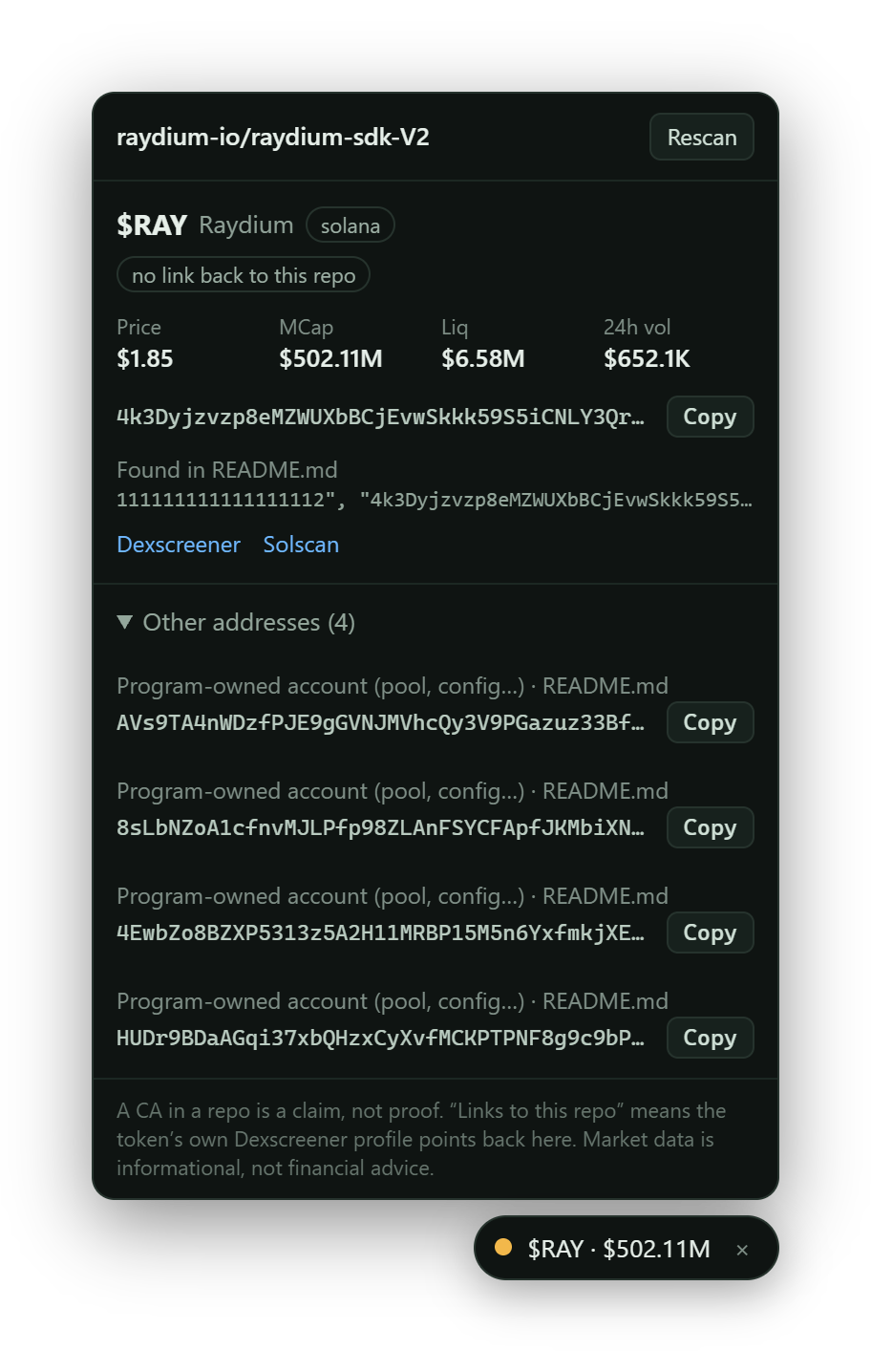
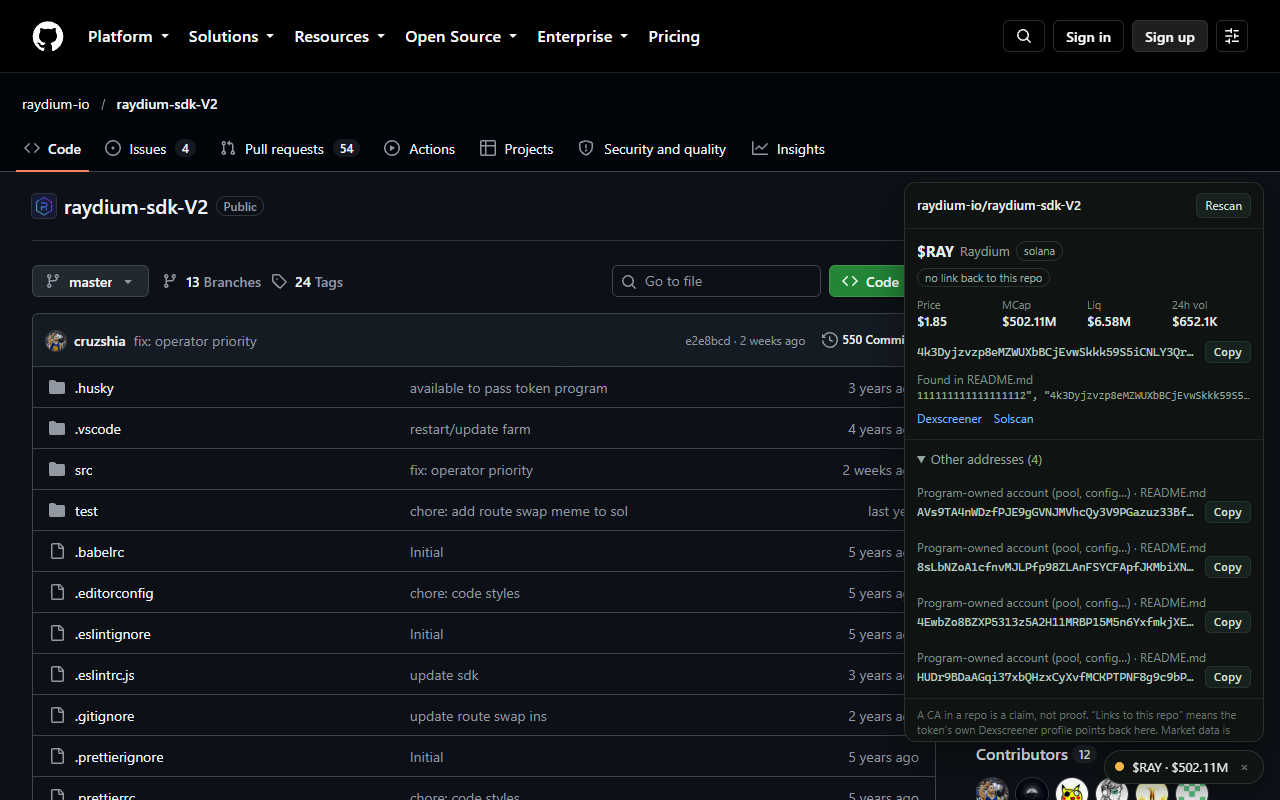
gitscan sits quietly on every GitHub repo page. If the description, README or config mentions a token contract address, it checks that address on-chain and tells you what it actually is: a live token, a bare mint, or just a wallet.
Works in Chrome, Brave and Edge. Not on the Chrome Web Store yet, so you load it from a folder. It takes about a minute.
Output · raydium-io/raydium-sdk-V2
Linked backFoundNothing found
01How it works
Every address in the README is checked, not trusted.
1
Reads the repo
The description, the README and a few root files where deployed addresses tend to live, like Anchor.toml and .env.example.
2
Finds addresses
Solana and EVM contract addresses. It skips the usual noise: USDC, wrapped SOL, system programs, commit hashes.
3
Asks the chain
Dexscreener for price, market cap and liquidity. For Solana, the network tells a token mint from a wallet, a program or a pool account.
4
Checks the link back
Does the token's own Dexscreener profile point at this exact repo? That is the only signal that the two belong together.
On the page · bottom right · no layout changes
02The badge
Three answers. No guessing.
Token found
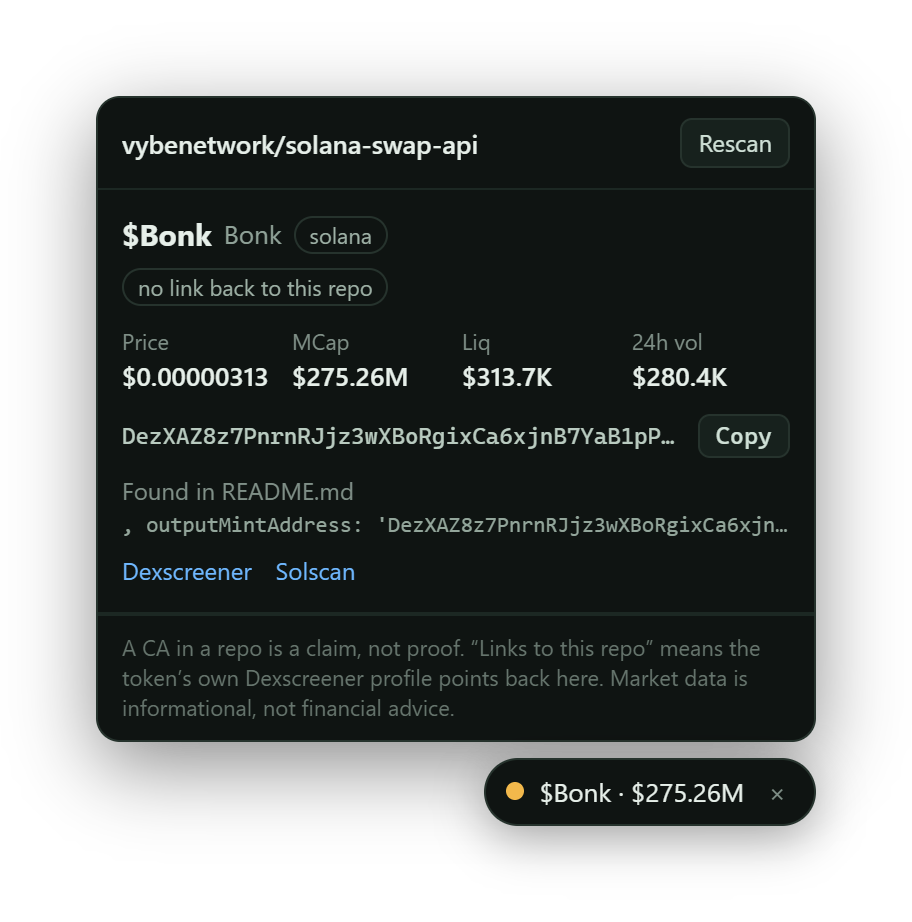
A live, traded token
Name, price, market cap, liquidity and 24 hour volume. The address with a copy button, the file it was found in, and links to Dexscreener and Solscan. The lamp is amber until the token links back to the repo, then it turns green.
Found, not a market
Everything else, labelled
A Solana mint with no market shows its decimals and whether mint and freeze authority are renounced. Wallets, programs and pool accounts are named for what they are.
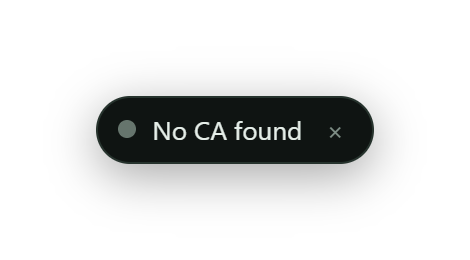
Nothing found
A quiet grey pill
Most repos have no contract address at all. You get a small pill that says so, and you can hide it completely in the options. No popups.
✓
The tick means two sides agree.
Anyone can paste an address into a README. The lamp only turns green, with a tick, when the token's own Dexscreener profile links back to the same repo: the repo says "this is our coin", and the coin says "this is our code".
It still doesn't mean the code is safe or the token is a good idea. Plenty of real tokens never fill in their profile, so no tick isn't proof of a fake. The panel tells you which of the three cases you are in.
03Install
Load it once. It stays.
Chrome, Brave and Edge all load extensions from a folder. You do this once and the browser remembers it.
Download and unzip
Unzip it somewhere permanent, like Documents. Keep the folder: the browser reads the extension from it every time it starts.
It is the toggle in the top right. Then click Load unpacked and pick the folder you unzipped, the one with manifest.json inside.
Open any GitHub repo
A small badge appears bottom right after a second or two. Click it for details. Your browser may remind you about developer mode extensions at start-up; that is normal for an extension loaded this way.
04Questions
The things you would ask first.
What leaves my browser?
The repo name goes to GitHub, which you are already visiting. Addresses it finds go to Dexscreener, and Solana addresses also go to a public Solana node. Nothing goes to us: there is no server, no account, no analytics. The privacy policy has the full table.
Why does it ask for a GitHub token?
It doesn't have to. Without one, GitHub allows about 60 requests an hour, which covers roughly 30 repos. If you browse a lot, open the extension's options and paste a fine-grained token with no permissions at all (public read-only). That lifts the limit to 5,000 an hour. It is stored on your device and sent only to api.github.com.
Which chains does it understand?
Solana in full: it can tell a mint from a wallet, a program or a pool account. EVM addresses are detected and looked up on Dexscreener, which covers most major chains, but there is no on-chain classification for them yet.
What can't it tell me?
Whether the code is safe or the token is a good idea. It is not an audit.
Anything in subfolders. It reads the description, the README and a handful of root files only.
Anything about private repos. It only reads public ones.
Whether Dexscreener's data is current. Brand new tokens can take a few minutes to show up.
Why isn't it on the Chrome Web Store yet?
It's on the way. Store listings go through Google's review first, which can take a few days. Until then it is a download-and-load extension, which is why the code is small and readable on purpose. When it lands in the store, this page will say so and link to it.
Does Brave Shields get in the way?
It shouldn't, because the extension fetches from its own background worker. If a scan ever fails, lower Shields for github.com and press Rescan on the badge.
 gitscan